 Wristvia
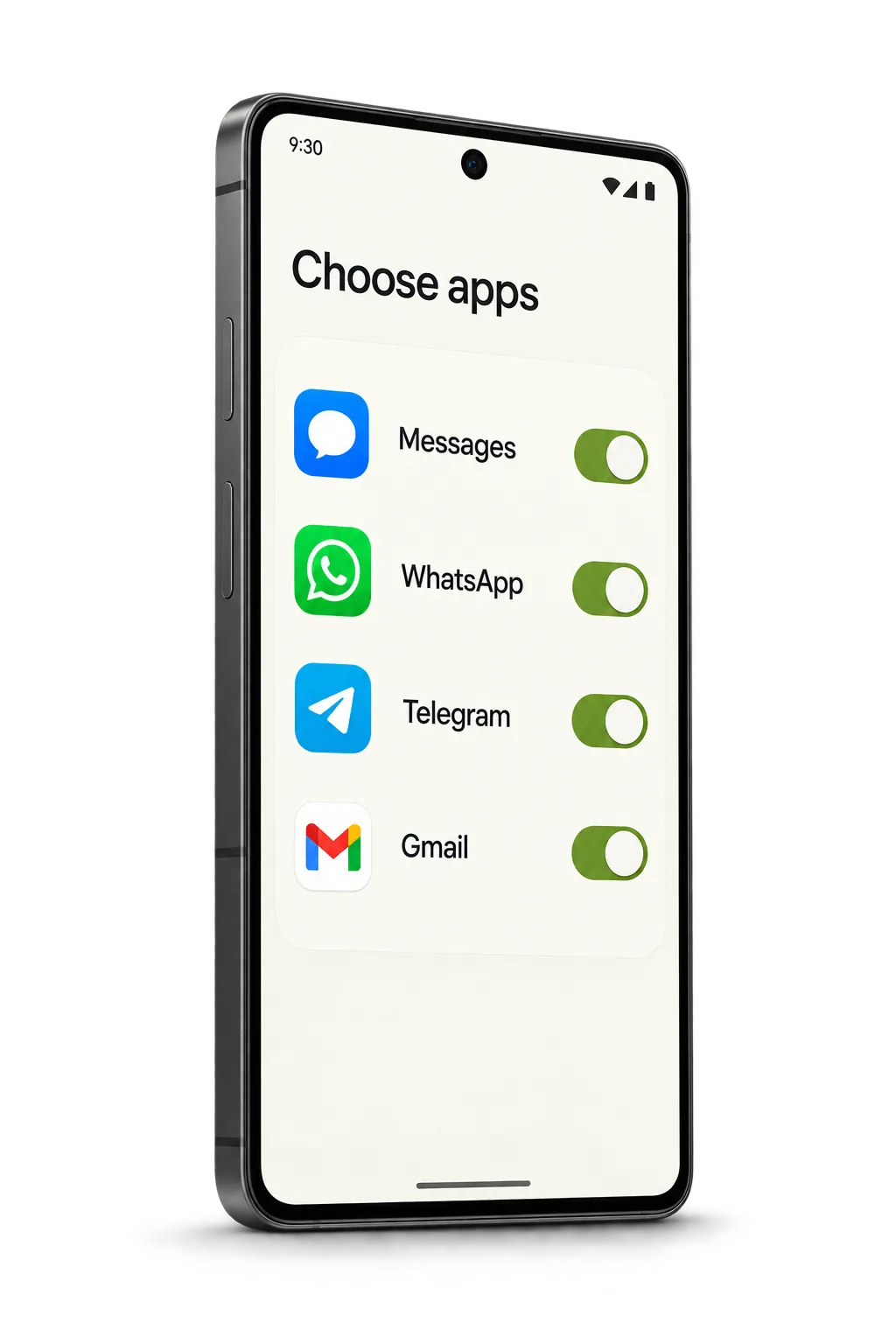
1 Choose apps
Grant notification access on Android, then choose the apps whose eligible alerts can be forwarded.
An Android + Apple Watch experiment
Select what matters. See it at a glance.
Wristvia brings chosen Android notification previews to the Apple Watch you already own, with prototype tests for phone media controls, health sync and wrist alarms.
See how it worksEarly prototype · Tested with one Honor phone and Apple Watch pair
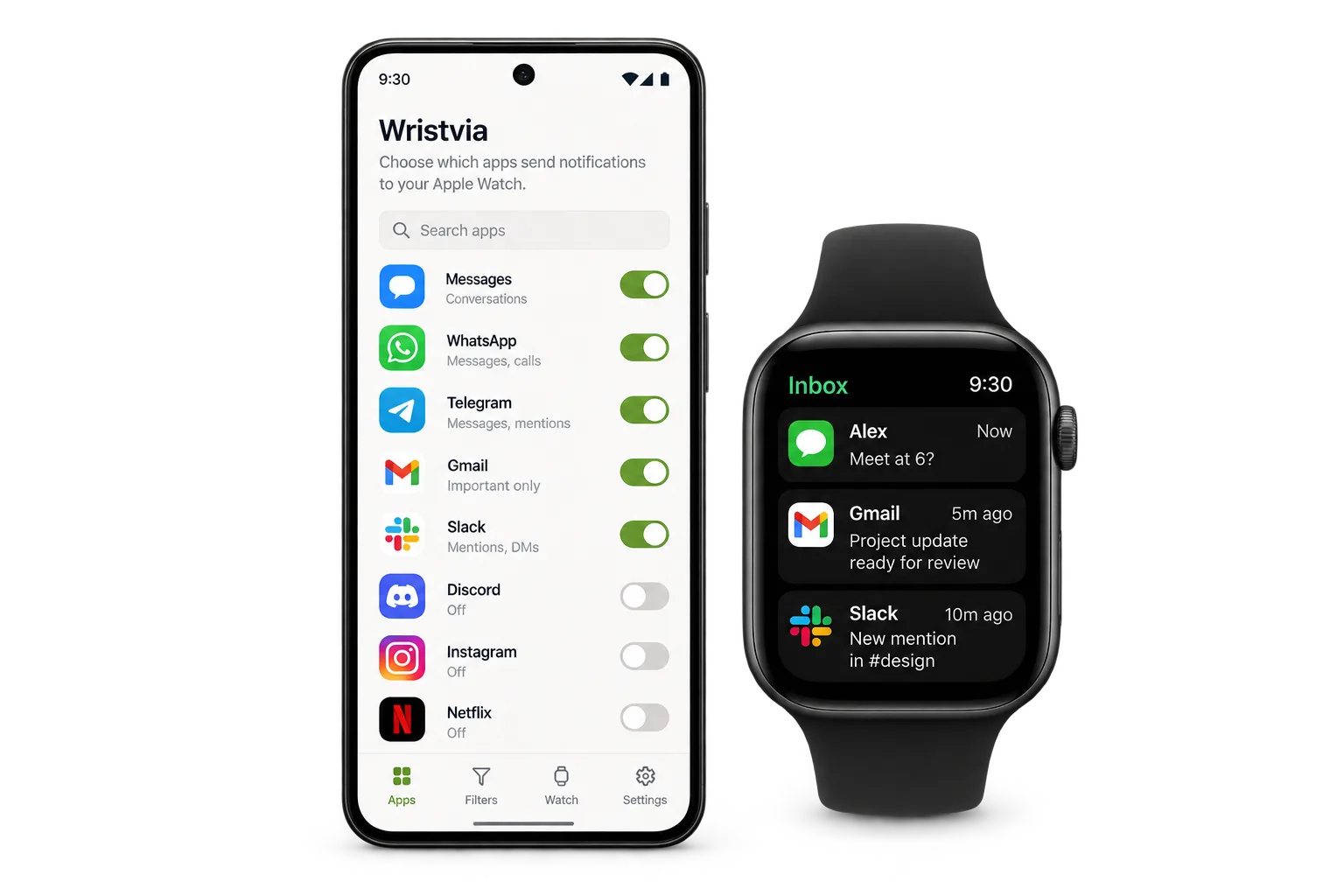
Grant notification access on Android, then choose the apps whose eligible alerts can be forwarded.
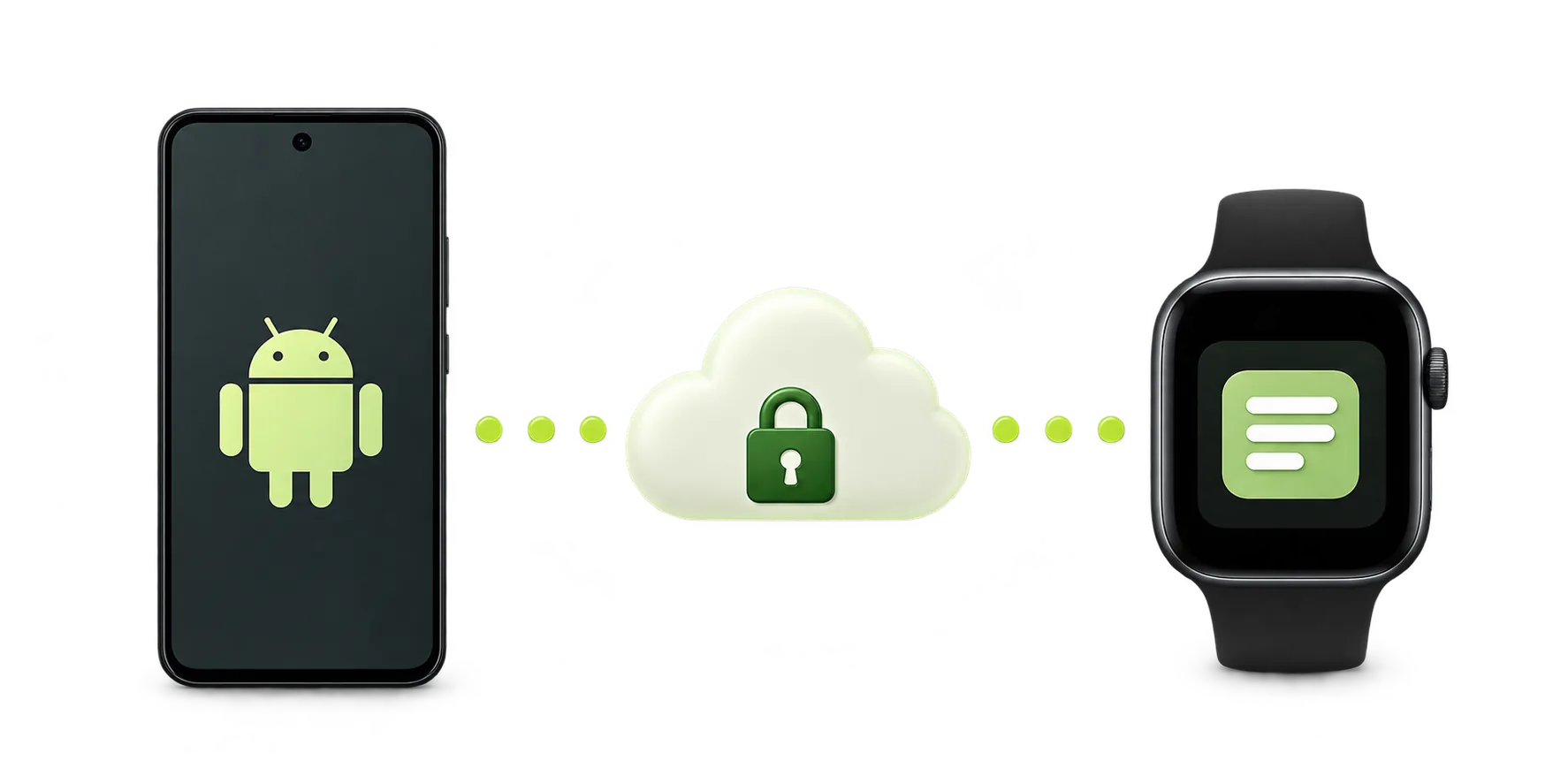
Scan the watch code and approve on both devices. Nearby Bluetooth comes first; Internet Backup is a separate choice.
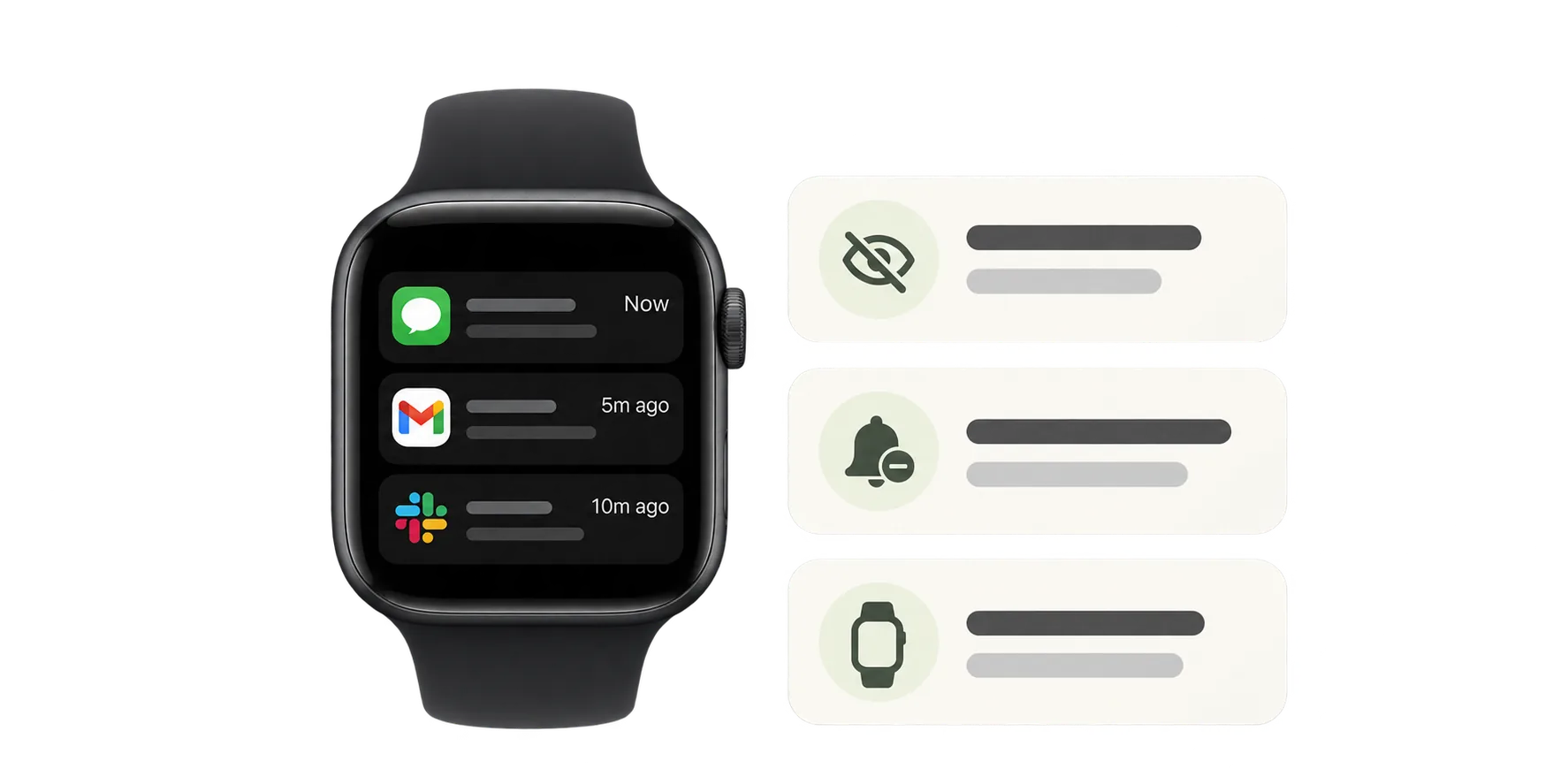
See selected alerts and saved previews in the watch inbox. A manual refresh can catch up while the app runs.
Inside the prototype
Actual interface captures from 28 October 2026. Sample content keeps personal notifications out of view.
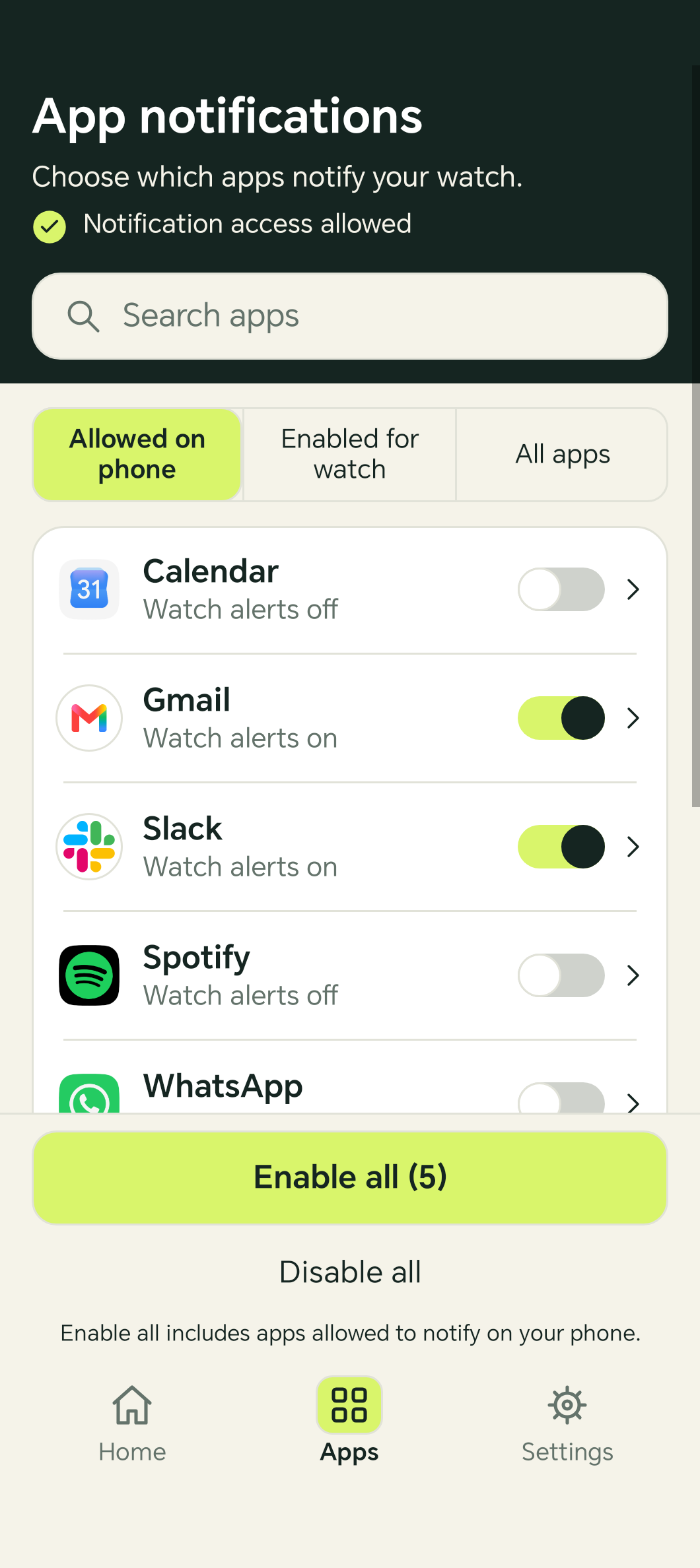
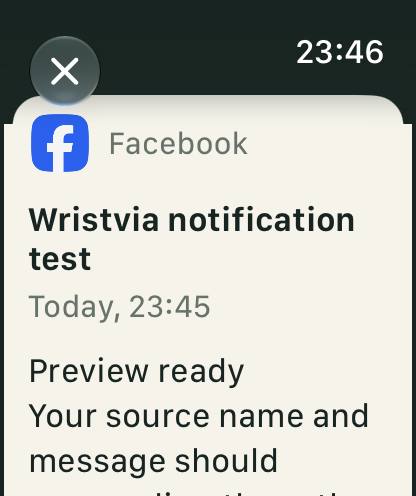
Evidence reviewed · One Honor phone and Apple Watch pair · Full test report
A focused set of features observed on the current test pair.
These areas are being tested and may change.
No. An iPhone is still needed to pair, set up and maintain Apple Watch. Wristvia tests a separate notification bridge.
Selected notifications have reached the watch in our test setup. Wristvia is an early prototype and is not a public compatibility app.
That has not been verified. Current physical testing uses one Honor phone and one Apple Watch pair.
Read the compatibility guide → · More questions: messages, calls, battery and pricing →
Understand the pairing requirement, the notification question, and what you can realistically expect today.
Read guideA snapshot of observed results from one Honor phone and Apple Watch pair, with the gaps kept visible.
Read guideFollow what comes next
Leave your email for Wristvia testing opportunities and release news. The app is still a prototype; joining does not guarantee an invitation or a launch date.
Follow a careful, real-device exploration of Android alerts on Apple Watch.